Generic
Hearing Aids for Online Meetings
By Team Zenaud | Nov. 23, 2026
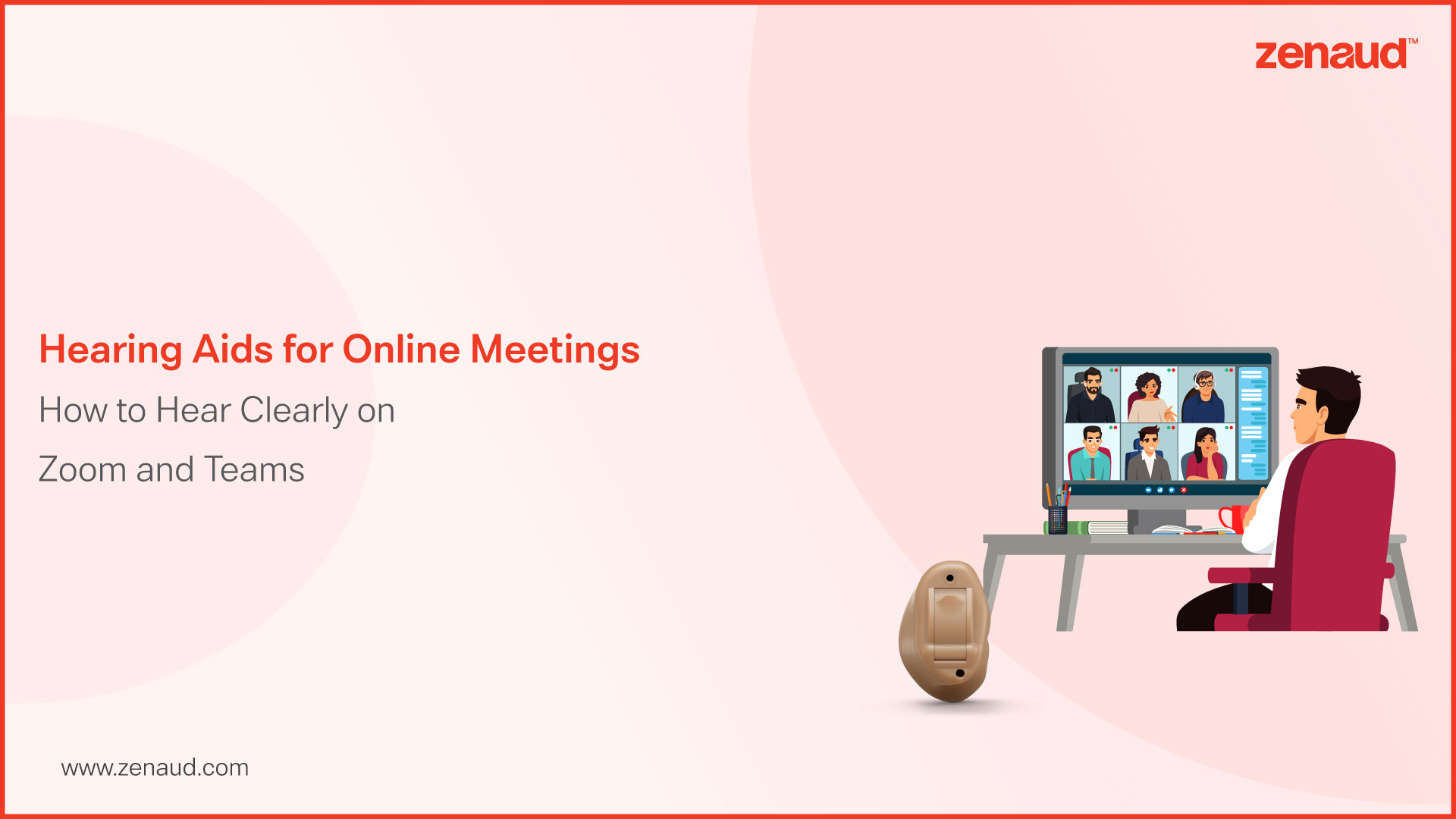
A video call asks more of the ears than most people realise. Voices arrive compressed, colleagues speak over one another, and the lip movements that usually support understanding are often out of step with the sound. For someone with hearing loss, an hour on screen can be considerably more tiring than the same hour of face-to-face conversation. The right setup, however, can improve the experience substantially.
Why Virtual Meetings Are Harder to Follow
Video platforms compress audio to conserve bandwidth. In the process, some of the fine detail that helps the brain distinguish one consonant from another can be lost. A slow connection, a noisy room at the speaker's end or a modest laptop speaker can further reduce clarity.
Over time, this can lead to fatigue, missed instructions and a growing reluctance to participate. Many professionals find that the first sensible step is to consider hearing aids for online meetings, rather than relying on the volume control of a laptop.
Key Features to Consider
Devices differ widely in how well they handle digital audio. The following features matter most:
- Direct streaming, which sends the meeting audio directly to the ears and bypasses room echo.
- Bluetooth connectivity, so that Bluetooth hearing aids for computers can pair with a desktop or laptop in the same way a wireless headset would.
- Speech-focused processing, which gives priority to voices over background sound.
- Rechargeable batteries that last through a full day of calls.
- A companion app for adjusting volume discreetly without interrupting the discussion.
Some models can also act as a hearing aid microphone for hands-free calls. In a professional setting, however, a separate desk microphone usually gives a cleaner result.
Connecting to Zoom and Microsoft Teams
The exact steps vary by brand and operating system, but the process is broadly similar. If a computer lacks compatible Bluetooth, a small plug-in streaming accessory can resolve the problem. This is often how hearing aids with laptop connections are set up in practice, although some newer models can pair directly without additional equipment.
A typical sequence is as follows:
- Enable Bluetooth on the computer and place the hearing aids in pairing mode.
- Select them from the list of available devices.
- Open Zoom or Teams and go to the audio settings.
- Choose the paired device as the speaker, and select either the same device or a separate microphone for input.
- Make a short test call to confirm that the volume is comfortable.
Because hearing aid computer connectivity differs between manufacturers, it is advisable to confirm compatibility with an audiologist before purchase. This applies equally to anyone seeking hearing aids for Zoom meetings or hearing aids for Microsoft Teams, since both platforms may behave slightly differently with each device.
Practices for Clearer Communication
Good technology works best alongside good meeting etiquette. Small changes often make a noticeable difference:
- Connect to the internet by cable, or sit close to the router.
- Ask colleagues to keep their cameras on, since a visible face supports understanding.
- Enable live captions, which both platforms offer, provided the meeting host or organisation permits them.
- Request that participants speak one at a time and mute their microphones when not speaking.
- Choose a quiet room with soft furnishings to limit echo.
Most of these adjustments involve little or no expense, yet together they reduce the effort of listening.
Benefits Beyond the Workplace
The advantages do not end with the working day. Reliable hearing aid streaming makes family calls, online classes, webinars and telehealth appointments easier to follow. When the effort of listening decreases, people tend to participate more freely and are less likely to withdraw from conversations they would otherwise enjoy.
Professionals who spend long hours in conferencing software may also wish to explore hearing aids for video calls that offer clear speech support and stable wireless performance. The same applies to those seeking hearing aids for work meetings that remain dependable from the first call of the morning to the last.
Seeking Professional Advice
Hearing needs are individual. The degree of loss, the nature of your work and your daily routine all influence which solution will suit you. A comprehensive hearing evaluation identifies what is required, and careful fine-tuning by an audiologist helps keep speech clear across different platforms and rooms.
If hearing difficulty is affecting your performance on calls, there is no need to manage it alone. Professional assessment, combined with the right technology, can improve confidence in every meeting.
Book a FREE hearing consultation with Zenaud today at zenaud.com.
Related Blogs
What Is Directional Hearing? How Hearing Aids Help You Focus on Speech
By Dattatreya M | Nov. 6, 2026

How Hearing Loss Can Affect Communication in Relationships
By Sharanya Krishnan - Audiologist | Oct. 3, 2026

Common Myths About Hearing Aids You Should Stop Believing
By Sri Sai Koti Chennupati | July 14, 2026
Contact us
We are here for all your hearing needs, from hearing tests to hearing aids. Fill out the form below, and we will give you a call soon.
Recent Blogs
By Team Zenaud | Nov. 20, 2026
By Team Zenaud | Nov. 18, 2026
By Team Zenaud | Nov. 16, 2026
By Team Zenaud | Nov. 12, 2026
By Team Zenaud | Nov. 9, 2026