HEARING AIDS
What Is Hearing Aid Compatibility
By Team Zenaud | April 22, 2026
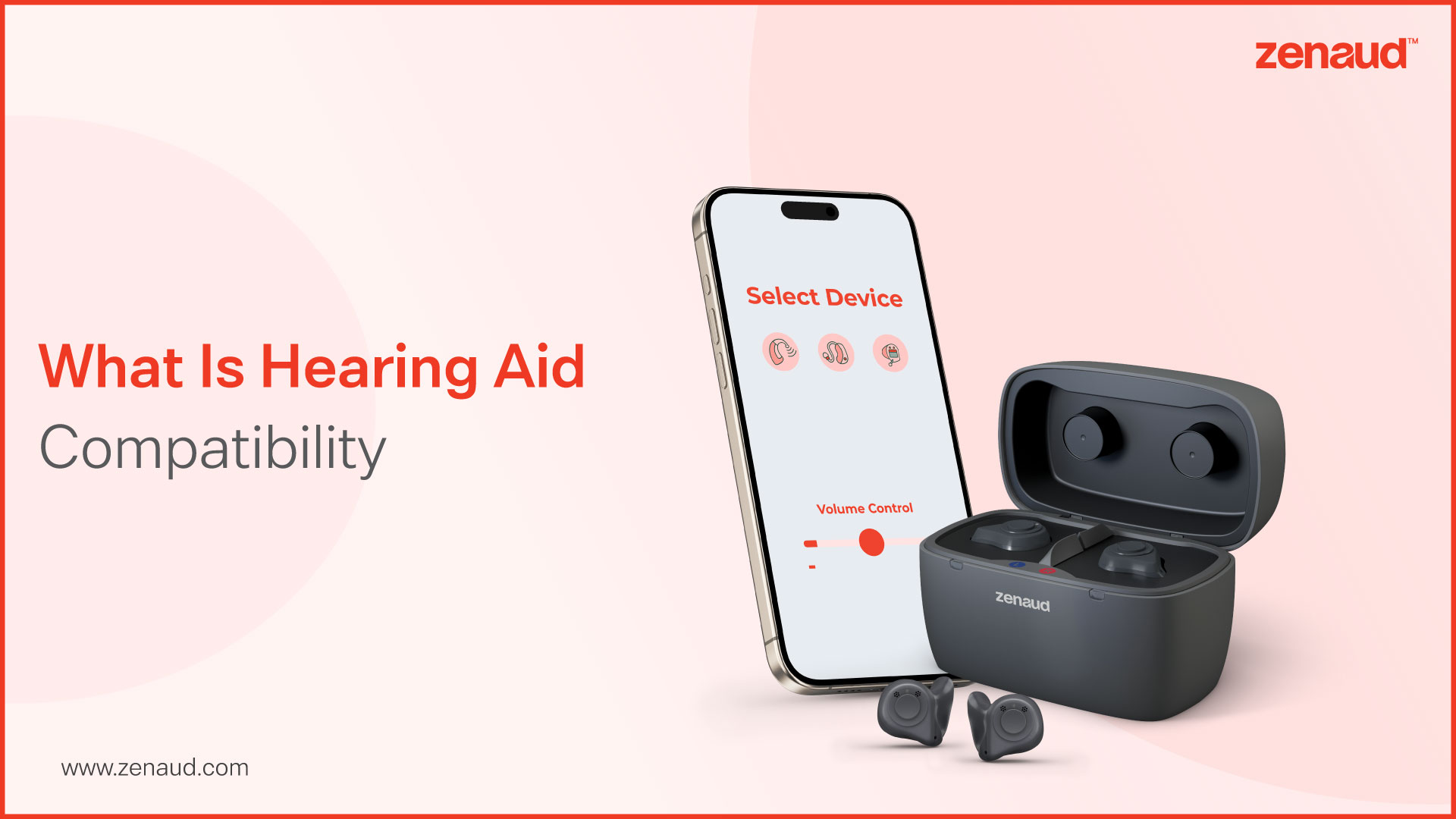
For most people, choosing a smartphone comes down to brand loyalty, camera quality, storage, and price. For the millions of people who wear hearing aids, there is an additional layer of consideration that rarely appears in mainstream tech reviews but matters enormously in daily life: hearing aid compatibility.
It is a term that appears in phone specifications, government regulations, and audiologist consultations, yet most hearing aid users have never had it properly explained to them. Understanding what is hearing aid compatibility is not a niche technical concern. It is a practical necessity for anyone who wears hearing aids and uses a mobile phone, which in 2026 means almost everyone.
The Problem Hearing Aid Compatibility Was Designed to Solve
Hearing aids and mobile phones have not always coexisted peacefully. Early mobile networks transmitted signals that created significant electromagnetic interference with hearing aid microphones and telecoil systems. The result was a familiar and deeply frustrating experience: a buzzing, humming, or crackling sound that made phone calls difficult or impossible for hearing aid wearers, precisely the group for whom clear telephone communication matters most.
Hearing aid compatibility standards emerged as a regulatory and technical response to this problem. In the United States, the Federal Communications Commission established requirements that phones sold to consumers must meet minimum standards for radio frequency interference and inductive coupling performance. Similar frameworks exist in other markets. The goal was to ensure that mobile phone technology did not systematically exclude people with hearing loss from basic communication.
Understanding what is hearing aid compatibility therefore starts with recognising it as both a technical standard and a consumer protection measure, one that has evolved considerably as both phone and hearing aid technology have advanced.
How Compatibility Is Measured: The M and T Ratings
Hearing aid compatibility is assessed across two dimensions, each assigned a rating that indicates performance level:
M Rating (Microphone Mode):
- Measures the level of radio frequency interference a phone generates that could affect hearing aids operating in standard microphone mode
- Ratings run from M1 to M4, with M4 indicating the lowest interference
- Phones rated M3 or M4 are considered hearing aid compatible for microphone mode use
- Higher M ratings mean cleaner, clearer sound with less background interference
T Rating (Telecoil Mode):
- Measures how well a phone supports hearing aids equipped with a telecoil, an inductive loop that picks up the phone's magnetic signal directly
- Ratings run from T1 to T4, with T4 indicating the strongest inductive coupling performance
- Phones rated T3 or T4 are considered hearing aid compatible for telecoil mode
- Telecoil compatibility is particularly relevant for older hearing aid models and loop system users
A phone rated M3/T3 or higher meets the standard threshold for hearing aid compatibility. M4/T4 ratings represent the highest available performance. These ratings are typically listed in a phone's technical specifications, though they are not always prominently displayed in marketing materials, which is why knowing to look for them matters.
What Is Hearing Aid Compatibility in Android?
Android's open ecosystem means that what is hearing aid compatibility in Android varies considerably depending on the manufacturer and model rather than being a consistent platform-wide standard.
Google introduced Audio Streaming for Hearing Aids, known as ASHA, into Android 10 as a standardised Bluetooth protocol specifically designed for direct audio streaming to compatible hearing aids. This was a significant development because it provided a consistent technical foundation that hearing aid manufacturers could build toward, regardless of which Android device a user owned.
In practice, what is hearing aid compatibility in Android today means:
- Direct streaming of calls, music, and media audio to compatible hearing aids via Bluetooth Low Energy
- App-based control of hearing aid settings through manufacturer applications available on the Google Play Store
- Real-time audio routing that prioritises the hearing aid as the primary audio output when connected
- Variable performance depending on the Android version, chipset, and specific phone model
- Samsung, Google Pixel, and several other flagship Android lines offering the most consistent and fully featured hearing aid integration
The practical advice for Android users is to check both the phone's M and T ratings in its technical documentation and whether the specific hearing aid manufacturer lists that phone model as a tested and supported device. Manufacturer compatibility lists, available on their websites, are the most reliable reference point.
What Is a Hearing Aid Compatible Phone?
In straightforward terms, what is a hearing aid compatible phone is any device that meets the regulatory M and T rating thresholds and, increasingly, supports direct audio streaming to hearing aids via standardised Bluetooth protocols.
The features that define a genuinely hearing aid compatible phone in 2026 go beyond the basic M and T ratings:
- Bluetooth Low Energy support for direct streaming without an intermediary streamer device
- A dedicated hearing aid pairing section within the phone's accessibility settings
- Stable connection that does not drop during movement or when the phone is in a pocket or bag
- Low latency audio transmission that keeps sound synchronised with lip movement during video calls
- Volume and programme controls accessible directly from the phone's interface
- compatibility with the hearing aid manufacturer's companion app for fine-tuning and environment selection
A phone that ticks these boxes is not simply compatible in a regulatory sense. It is a genuinely useful tool that extends the functionality of the hearing aid itself, transforming it into a wireless audio device capable of streaming from every sound source in the wearer's digital life.
What Is Hearing Aid Compatibility in iPhone?
Apple has taken a more integrated approach than Android to hearing device support, and what is hearing aid compatibility in iPhone reflects a consistently high standard across its product range.
Apple introduced Made for iPhone hearing aid technology in 2014, creating a proprietary Bluetooth Low Energy protocol that allowed direct streaming to compatible hearing aids without the battery drain and latency issues that affected earlier Bluetooth implementations. In the years since, this platform has matured into one of the most seamless hearing aid integration experiences available on any smartphone.
What is hearing aid compatibility in iPhone encompasses:
- Direct streaming of phone calls, FaceTime audio and video, music, podcasts, and navigation instructions to paired hearing aids
- Live Listen, a feature that uses the iPhone microphone as a remote microphone, streaming sound directly to the hearing aids from a distance
- Hearing device controls built into the iPhone's Control Centre for quick volume and programme adjustments without opening a separate app
- Accessibility settings that allow customisation of audio balance, phone noise cancellation, and background sound options
- Consistent performance across iPhone models running current iOS versions, with Apple's tight hardware and software integration delivering reliable, low-latency connections
The Made for iPhone ecosystem is supported by virtually every major hearing aid manufacturer, meaning that most current hearing aids purchased from a reputable audiologist will offer full iPhone integration out of the box.
Choosing the Right Phone for Your Hearing Aids
Whether you are an Android or iPhone user, the practical steps for ensuring genuine compatibility are the same:
- Confirm your hearing aid model supports direct Bluetooth streaming and check the manufacturer's tested device list
- Look for M3/T4 or M4/T4 ratings in the phone's technical specifications
- Download the hearing aid manufacturer's companion app and verify it is fully supported on your chosen device
- Ask your audiologist to test the pairing during your fitting appointment rather than discovering connection issues at home
- Consider the phone's accessibility features as a whole, larger text options, display brightness, and call clarity settings all contribute to the overall experience for people with sensory impairments
Why This Matters Beyond Convenience
Hearing aid compatibility is not a luxury feature for tech enthusiasts. For a person with significant hearing loss, the ability to stream phone calls directly to both ears, to use their phone as a remote microphone in difficult listening environments, and to adjust their hearing aids discreetly without removing them in public, these capabilities directly affect independence, safety, and quality of life.
At Zenaud, compatibility between your hearing aids and the devices you use every day is a core part of the fitting and aftercare conversation. Because a hearing aid that works brilliantly in the clinic but struggles with your phone at home is not working as well as it should.
Want to know which hearing aids work best with your phone? Book a compatibility consultation with Zenaud today.
FAQs
What does hearing aid compatibility mean?
Hearing aid compatibility means a device can reduce interference and work clearly with hearing aids.
Should hearing aid compatibility be on or off?
It should be turned on when using a hearing aid to improve sound clarity and reduce noise.
What is hearing aid compatibility in phone settings?
It is a feature that adjusts audio and reduces interference for better use with hearing aids.
How do I know if my phone is hearing aid compatible?
Check your phone settings or specifications for HAC rating or hearing aid compatibility support.
Contact us
We are here for all your hearing needs, from hearing tests to hearing aids. Fill out the form below, and we will give you a call soon.
Recent Blogs
By Dattatreya M | Aug. 20, 2026
By Sri Sai Koti Chennupati | Aug. 17, 2026
By Sri Sai Koti Chennupati | Aug. 13, 2026
By Sri Sai Koti Chennupati | Aug. 11, 2026
By Team Zenaud | Aug. 6, 2026
